






Having successfully set up your Airwallex account, now you are able to register your individual VCC and download it to your device. There are fewer steps to this process than the previous one so it should only take a couple of minutes.
Here is a step-by-step guide to help you through the process of registering your new card:
Once you have registered for Airwallex, the Hyphen team will send you an email containing the card number you have been assigned. Please do not try to register a card before this.
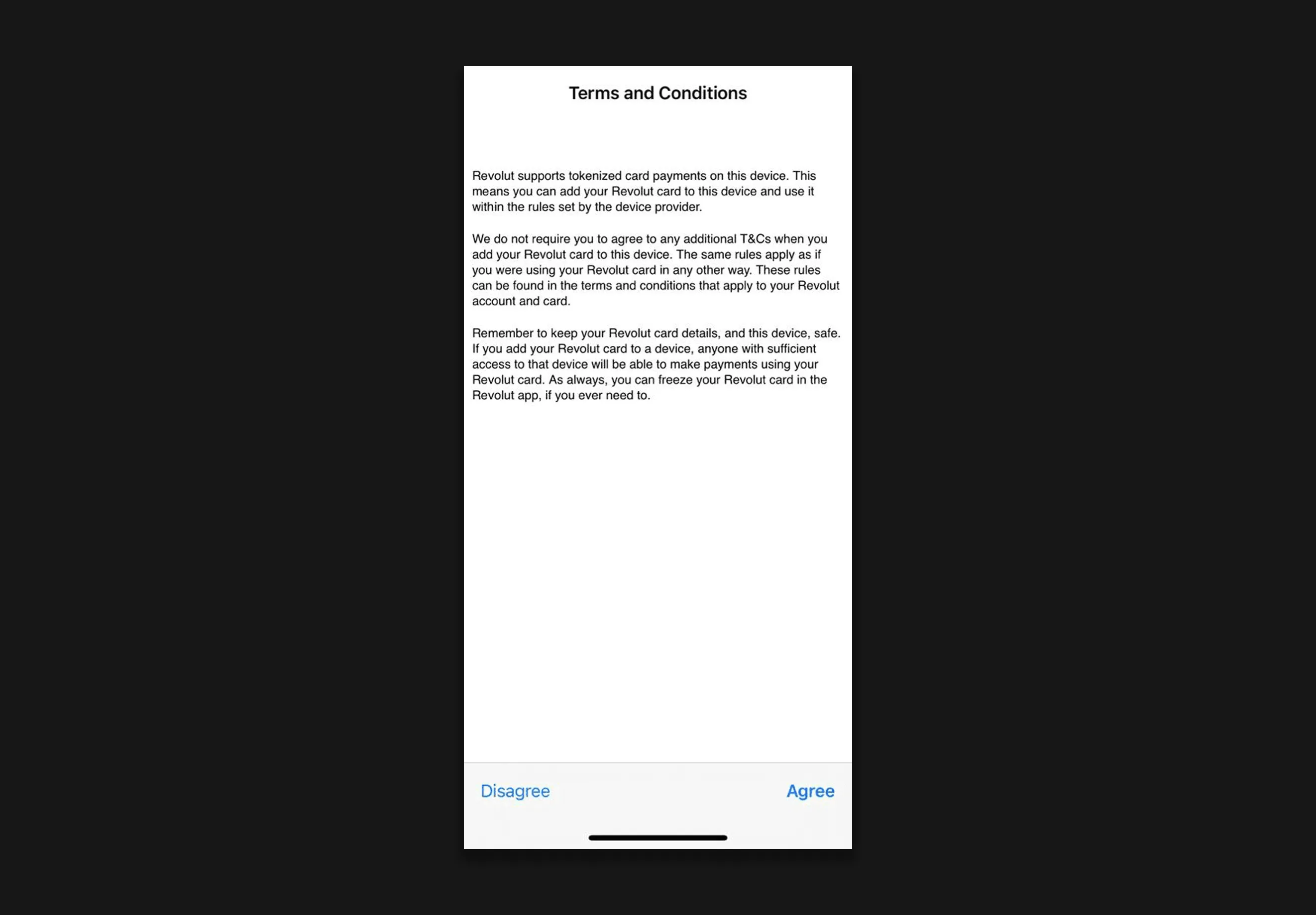
Open the invitation in the email and this will open the app. Once it has loaded, please accept the terms and conditions.
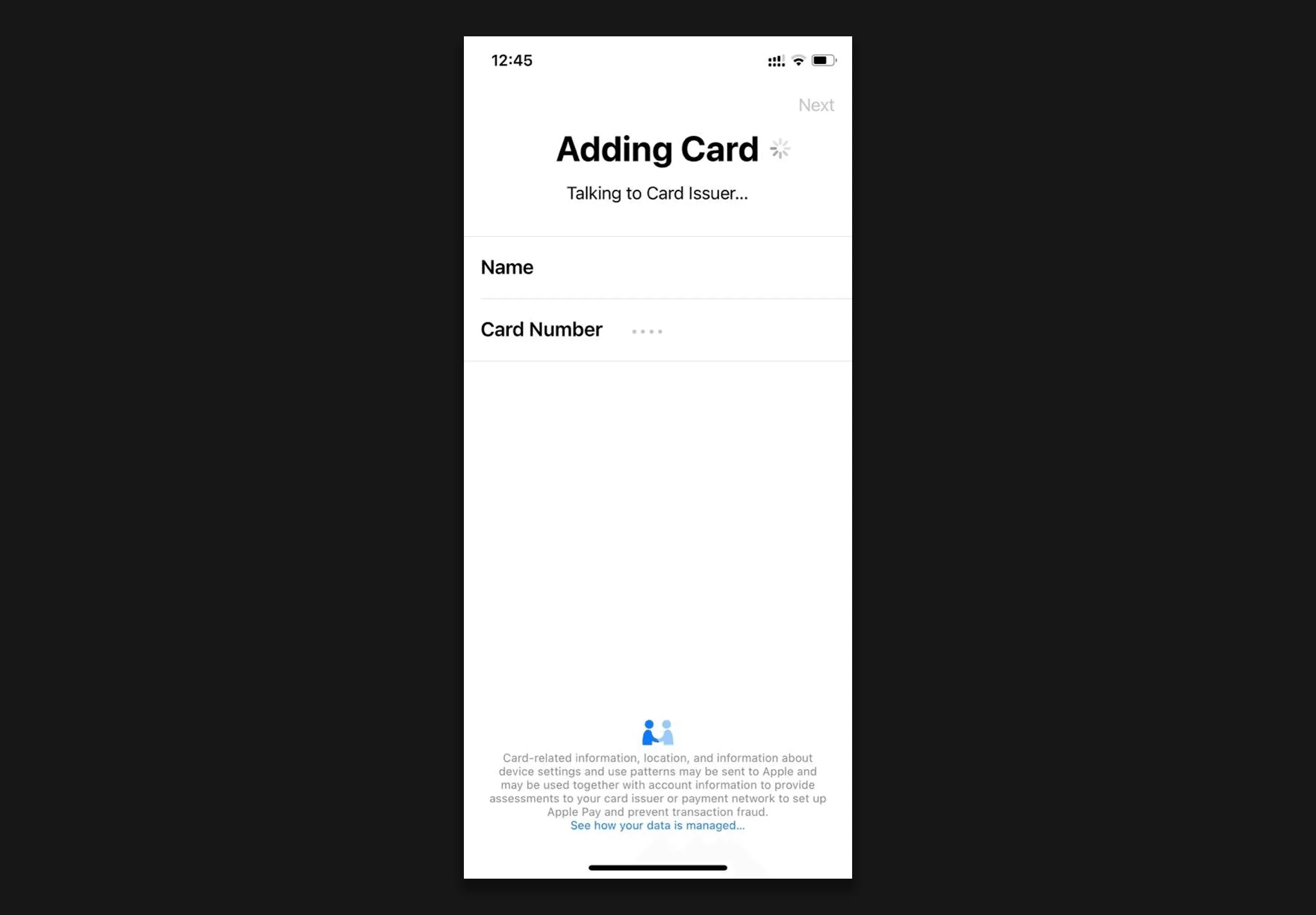
The card will be registered using your details.
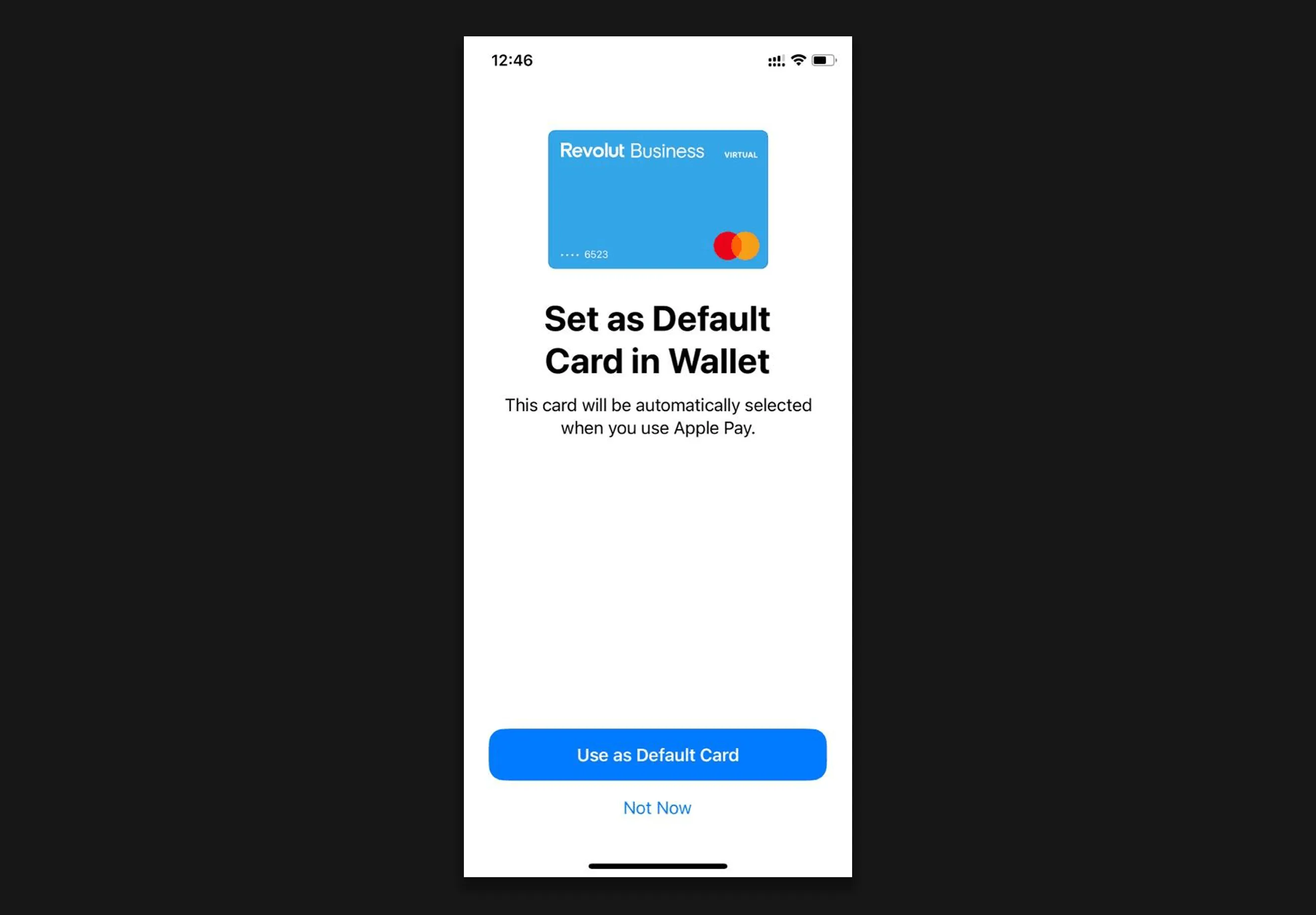
You will be invited to use the card as your default. Please be careful and make sure that this does not lead to you using the card inadvertently for personal purchases. If you already use a card in Apple Pay or Google Pay, we recommend using the Hyphen VCC as a secondary option by choosing 'not now'.
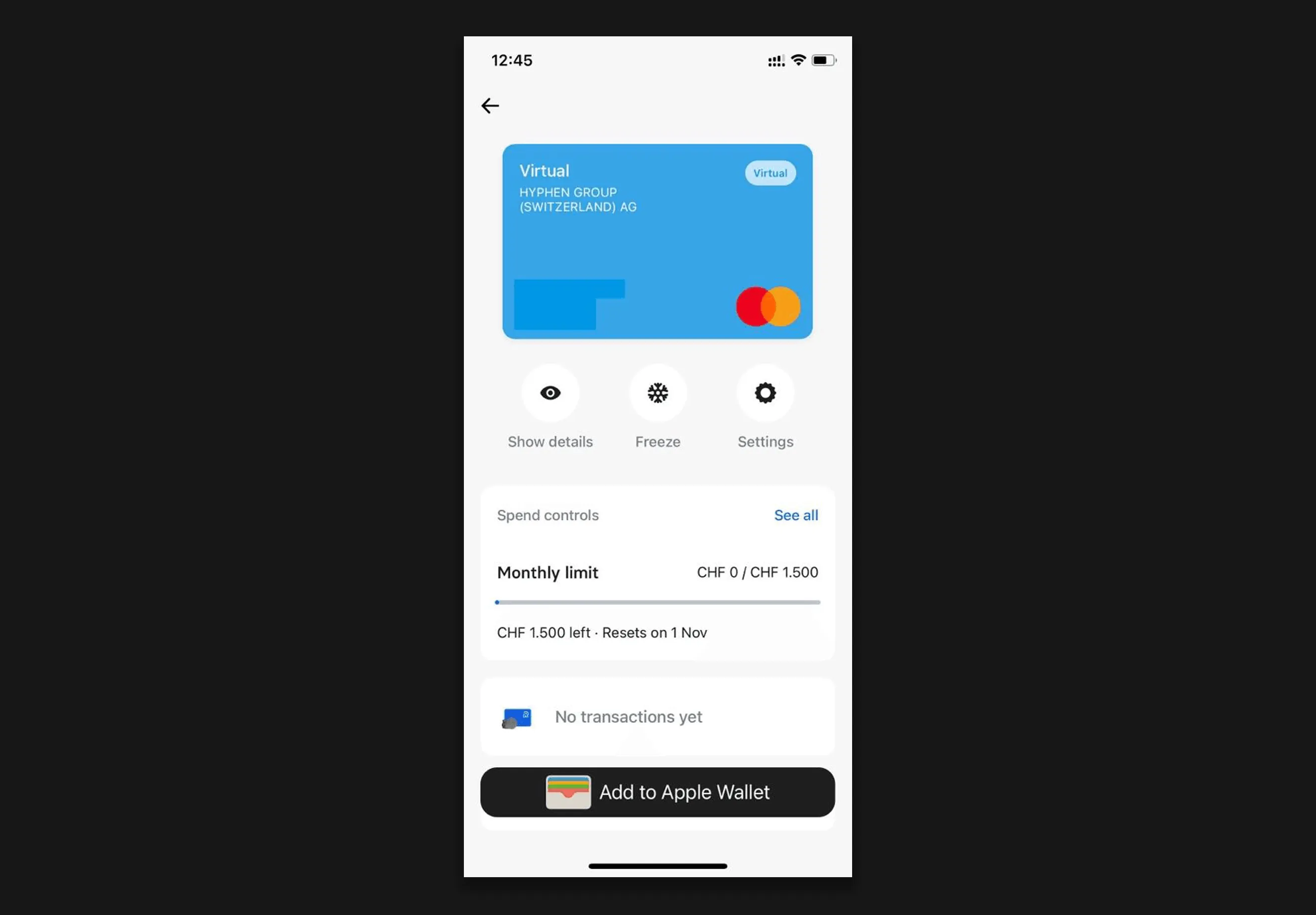
Once successfully registered, you will see your card details and the spend limit on your card. At this point you can add the card manually to your phone's digital wallet if you have not done so already.
Congratulations - you are now able to pay for your on-site expenses with just a few taps on your phone!